Floating Button
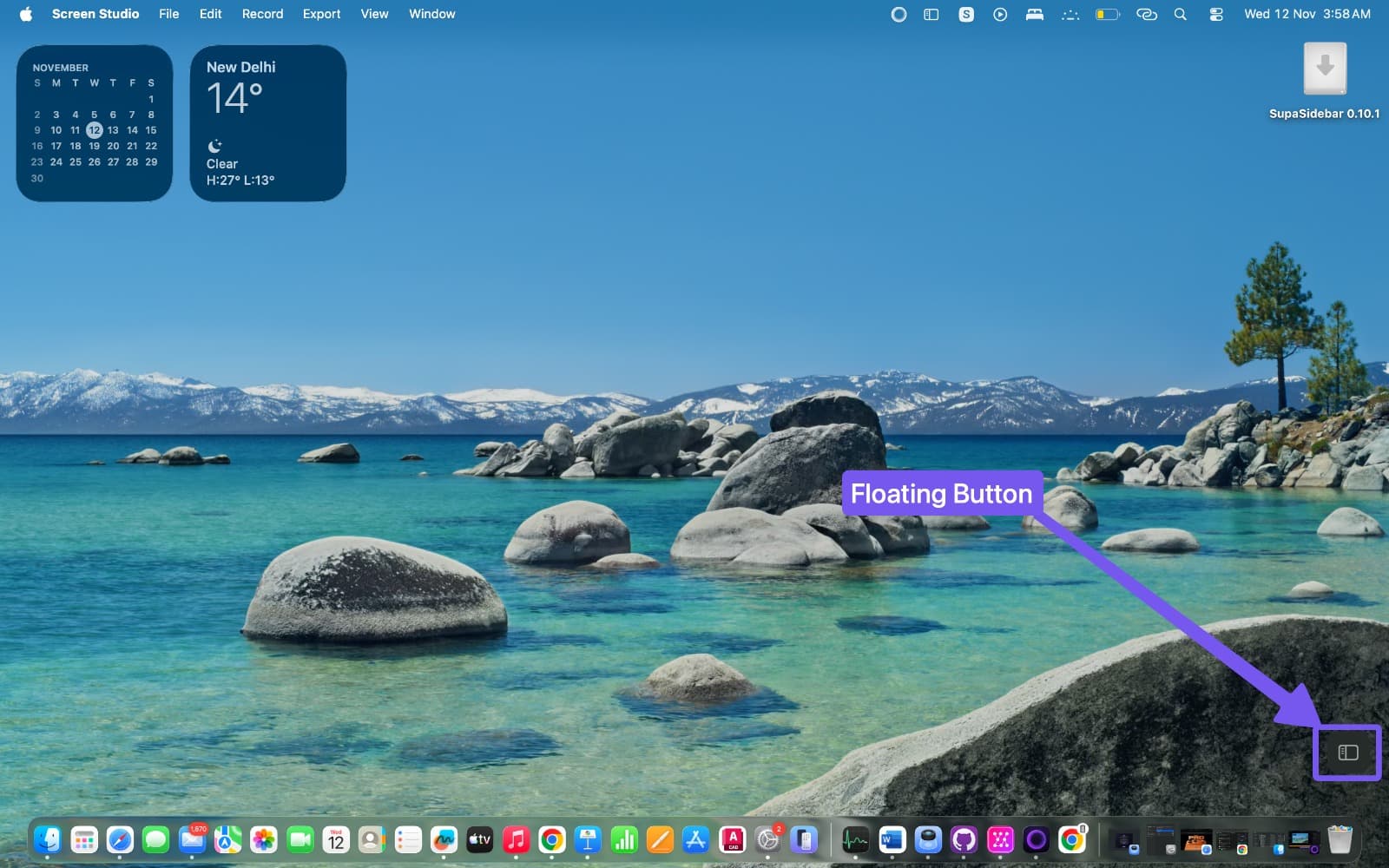
A persistent, draggable button that floats above all windows for one-click sidebar access.
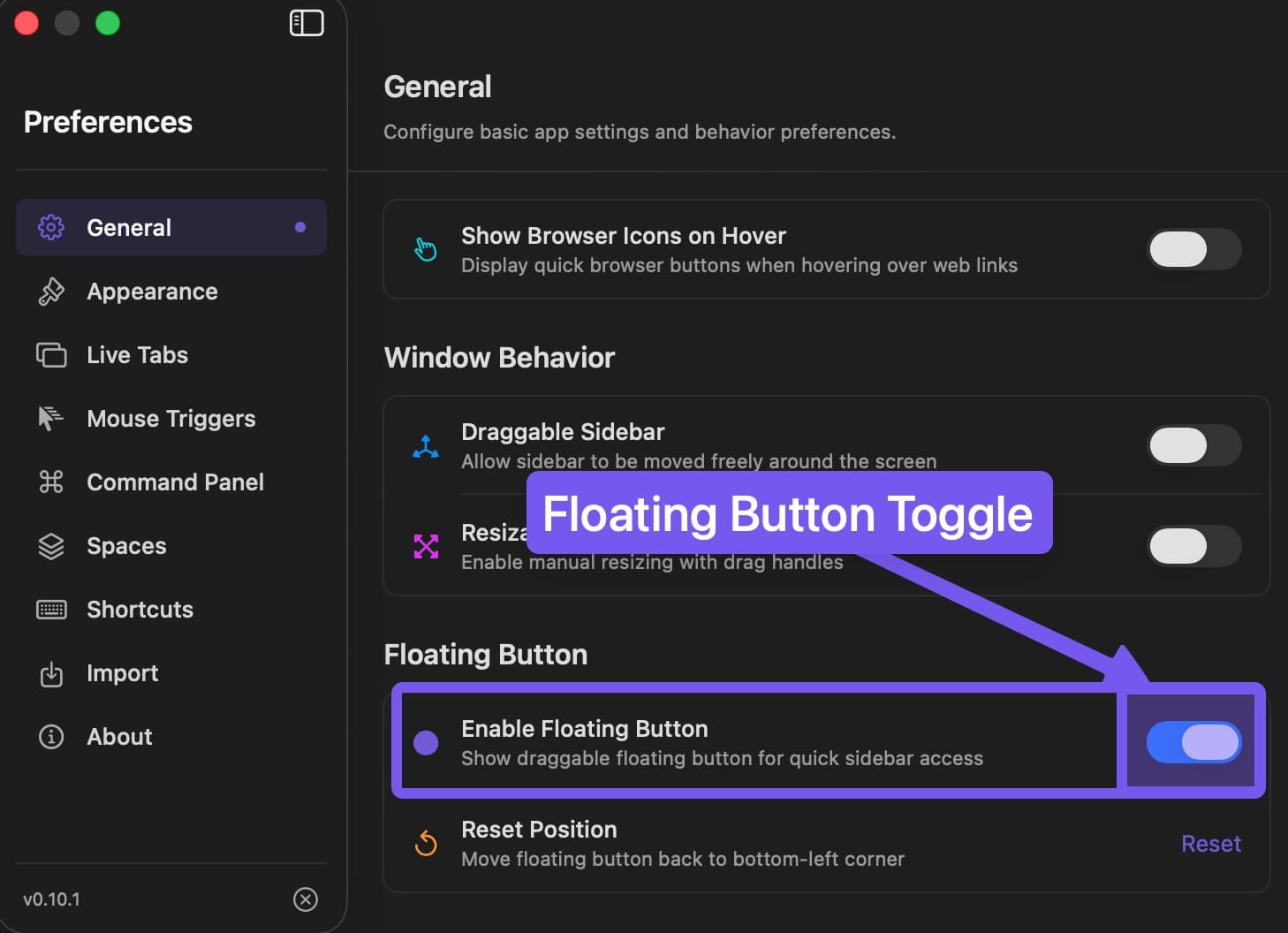
Enable Floating Button
- Open Preferences → General
- Enable Show floating button
- Button appears immediately
Features
- Always visible - Floats above all applications and desktop spaces
- Draggable - Drag to any position; persists across restarts
- Multi-display - Works across multiple monitors
- Single click - Toggle sidebar on/off
Reset position
If the floating button ends up off-screen or in an inconvenient spot, right-click the button and select Reset Position to move it back to its default location.
Troubleshooting
| Issue | Solution |
|---|---|
| Button not appearing | Toggle off/on in Preferences, restart app |
| Wrong position | Drag to new location, or right-click and select Reset Position |
| Button off-screen | Right-click the button and select Reset Position, or disable and re-enable in Preferences |
Keyboard alternative: Cmd Shift Space provides the same toggle behavior.
Last updated on