Drag and Drop
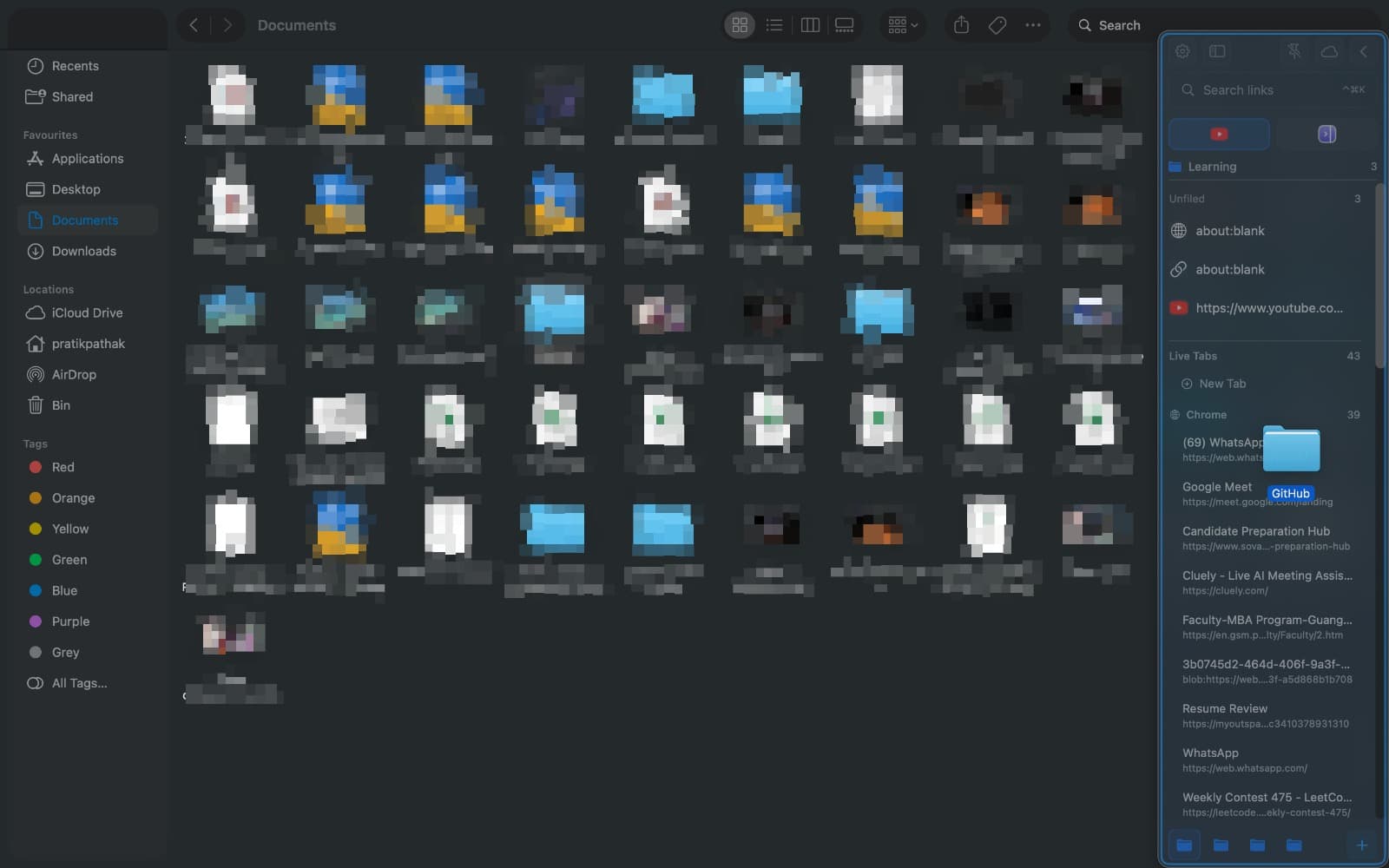
Add files, folders, and links to your sidebar by dragging them directly into the panel.
From Finder
- Select files or folders in Finder
- Drag them to the SupaSidebar panel
- Drop to add immediately
Tips
- Drag multiple items at once for batch adding
- Drop into a folder to organize immediately
- Works with any file type
Last updated on