Mouse Triggers
Show the sidebar by moving your mouse to the screen edge - no clicking required.
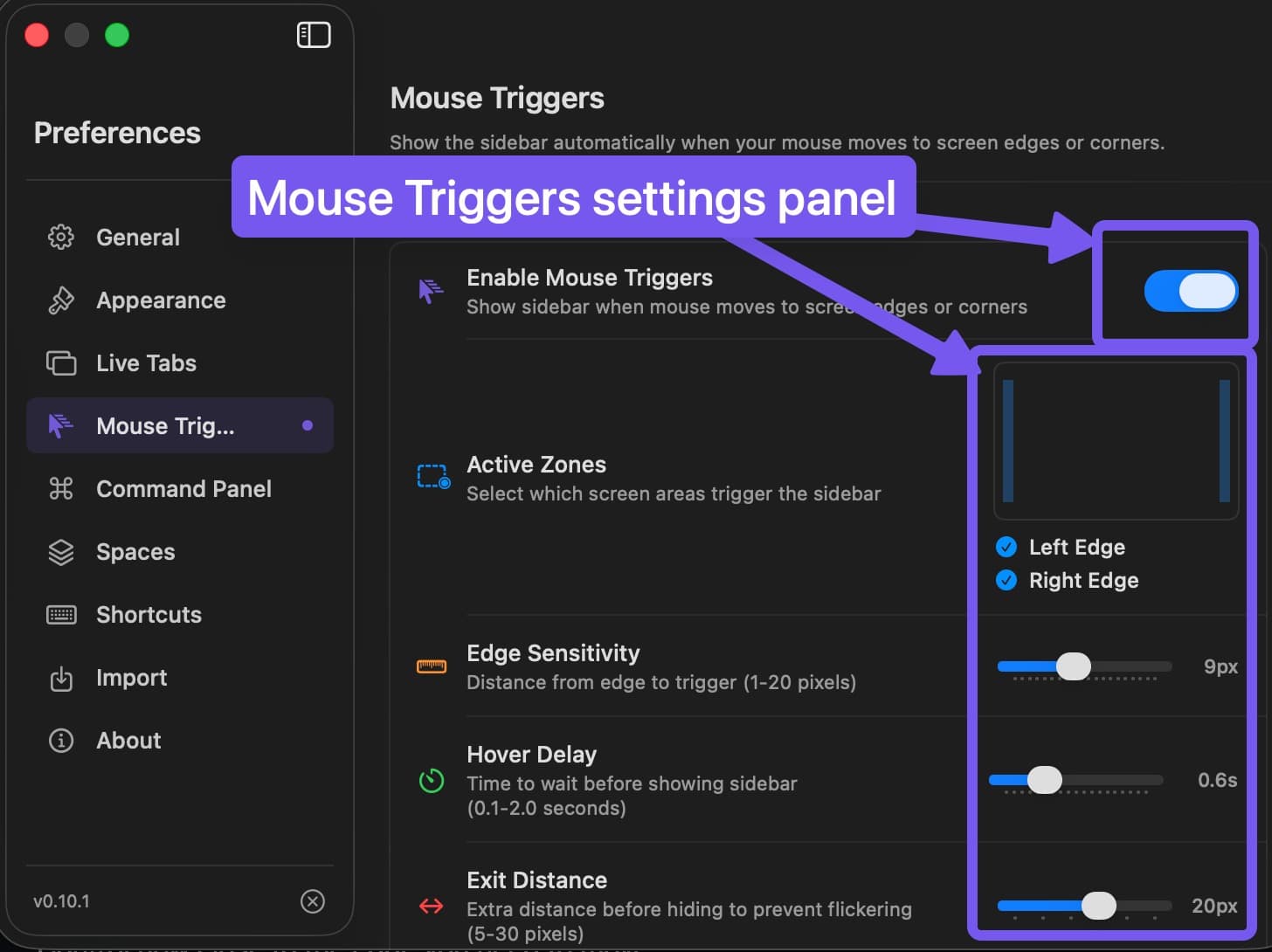
Enable Mouse Triggers
- Open Preferences → Sidebar → Show and Hide and find Mouse Triggers
- Turn on Enable Mouse Triggers
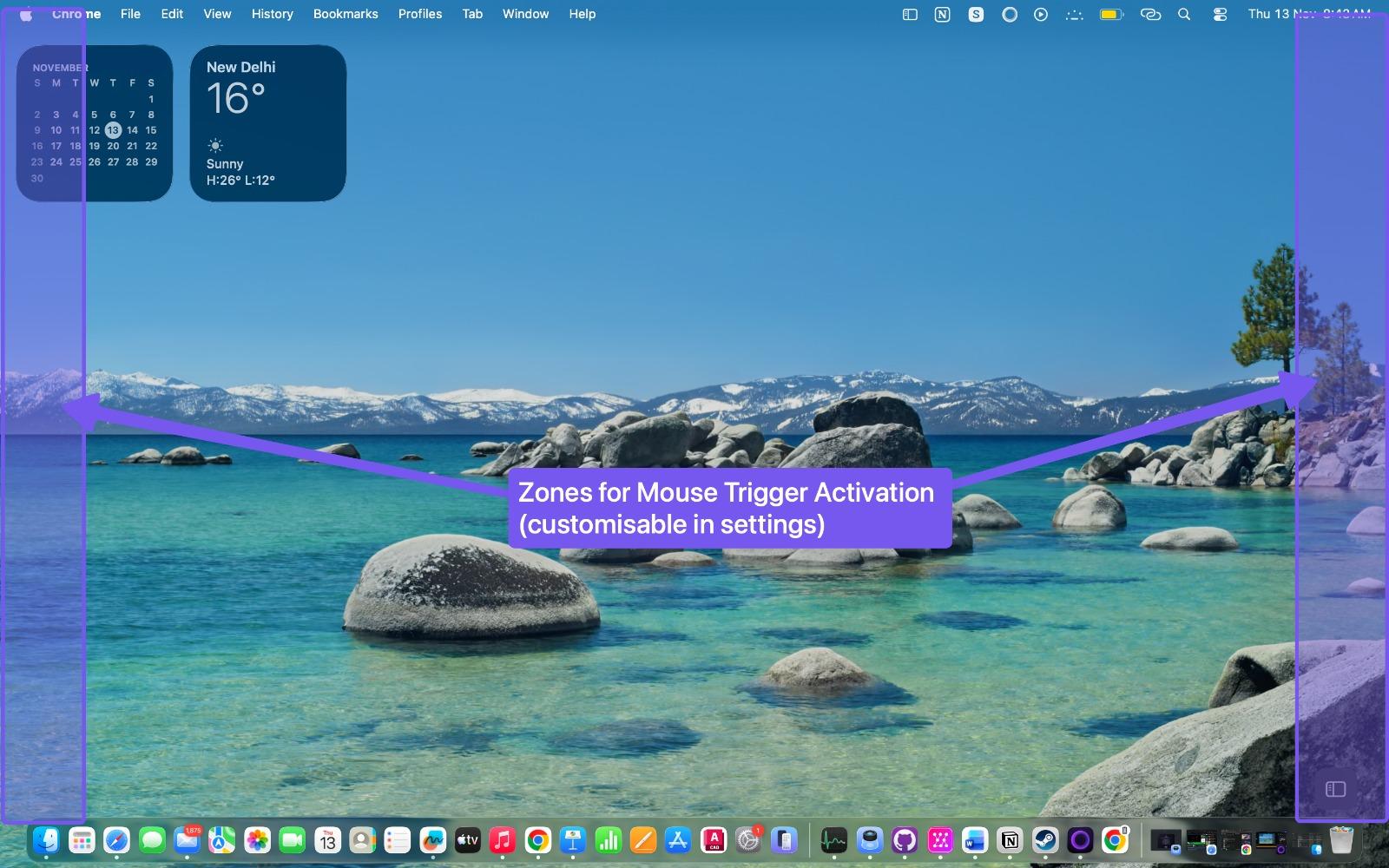
- Under Active Zones, select the left edge, the right edge, or both
Before 1.7.0, Mouse Triggers had its own page in Preferences. It now sits on the Sidebar page’s Show and Hide tab, above Auto-Visibility.
Requires Accessibility permission in System Settings → Privacy & Security → Accessibility → SupaSidebar.
Settings
| Setting | Description |
|---|---|
| Active Zones | Which screen edges show the sidebar |
| Edge Sensitivity | How close to the screen edge your mouse needs to be |
| Hover Delay | How long to hold the mouse at the edge before the sidebar appears (increase if it triggers by accident) |
| Exit Distance | How far the mouse can drift from the edge before the trigger resets. It doesn’t change when the sidebar hides |
Troubleshooting
| Issue | Solution |
|---|---|
| Not working | Grant Accessibility permission, restart app |
| Triggers too easily | Increase Hover Delay or lower Edge Sensitivity |
| Not appearing | Check triggers enabled, verify edge zone is on |
| Multi-monitor issues | Test each display edge, check Dock isn’t blocking |
Last updated on